Engraving Art Studio
Logo engraving · trace · clean & export
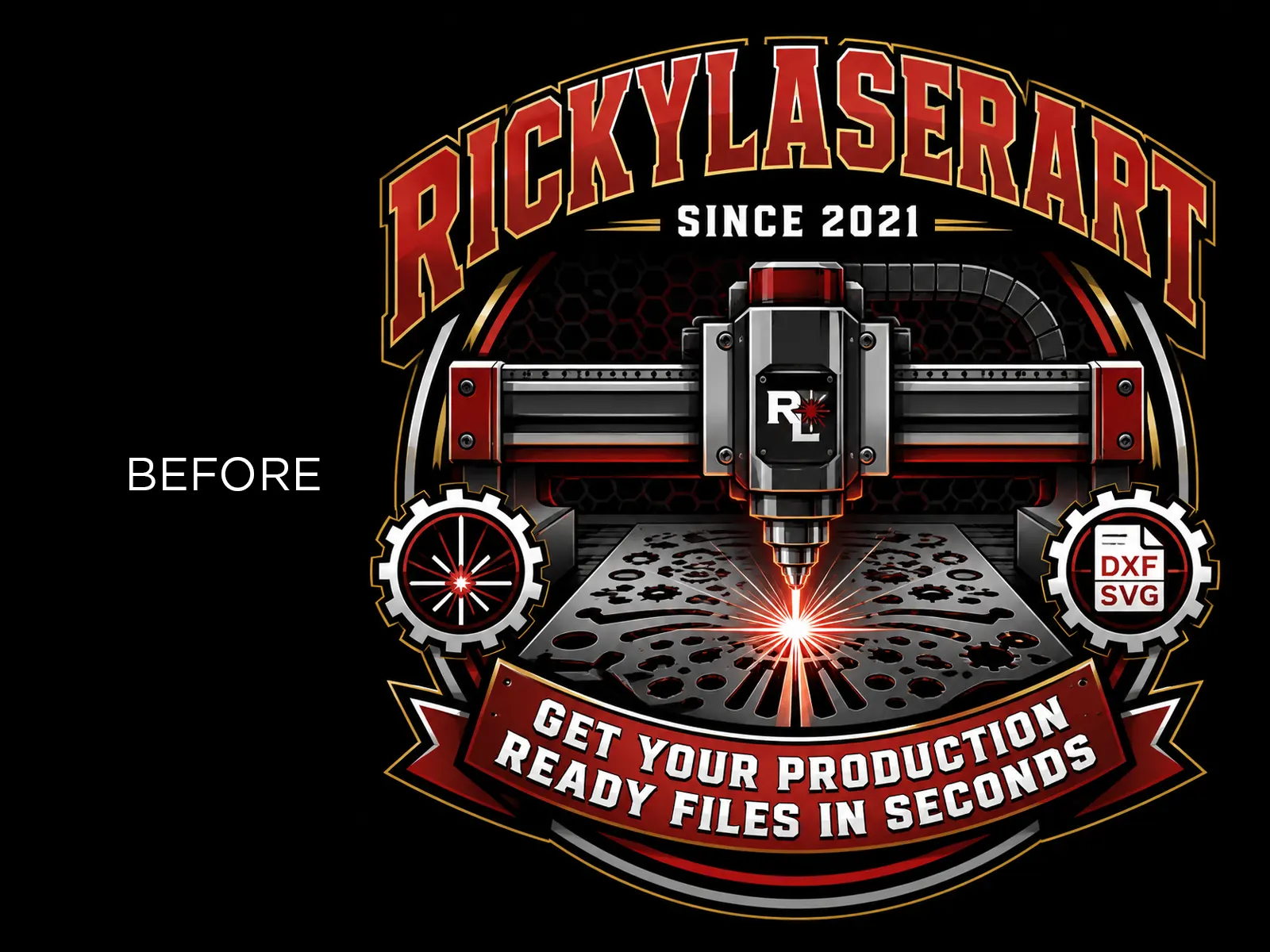
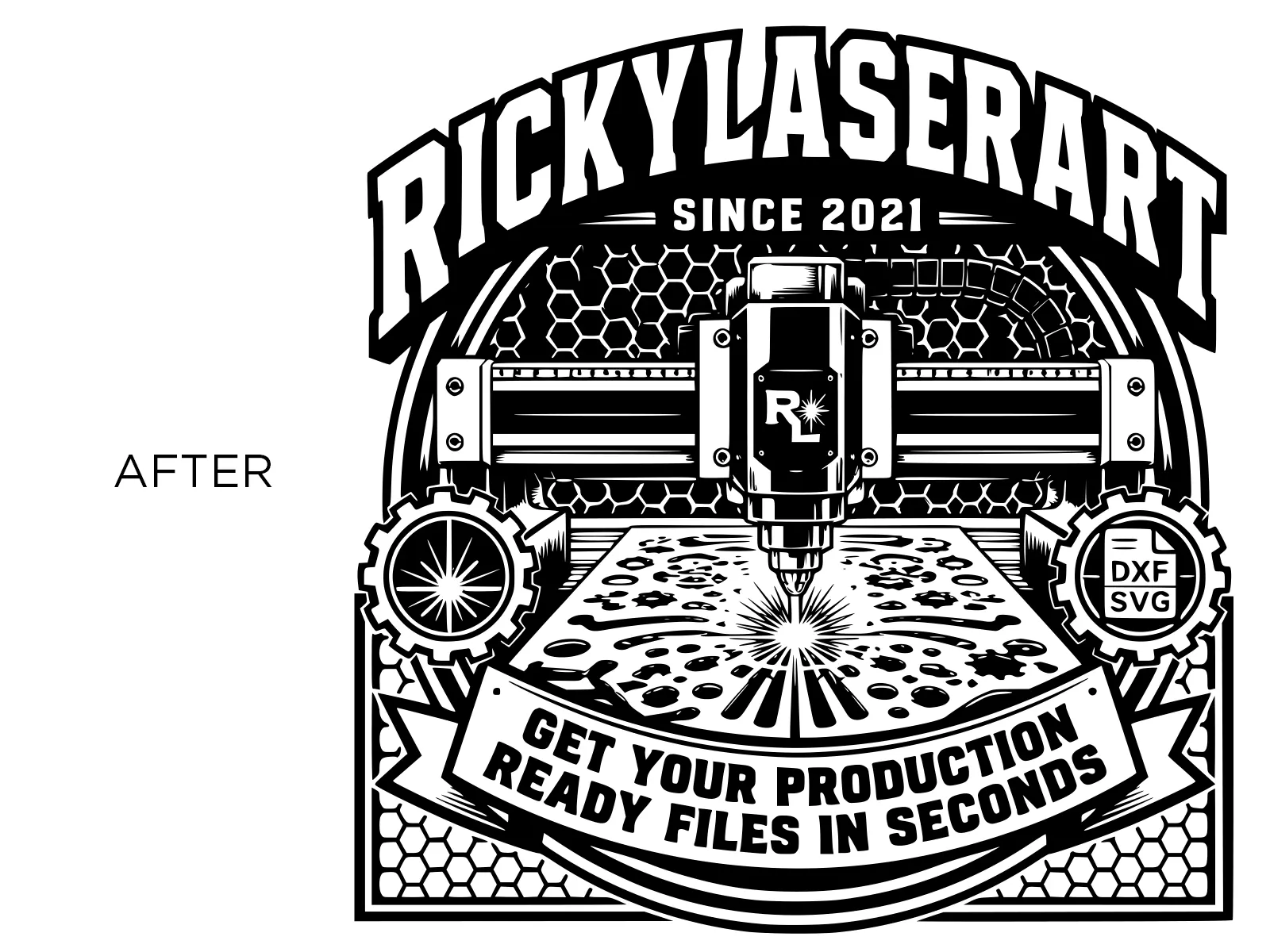
See the result before you upload
Watch it animate, or drag to compare yourself
Start Free & Create Premium Engraving Files.
Export ultra-clean SVG, PNG & DXF files ready for laser engraving instantly.
1 Generate
2 Preview
Check the engraving preview, then continue to download.
Refine Your Logo Optional
Want to make small changes? Tell the AI exactly what to improve while keeping the original logo.
3 Download
Logo to Laser Engraving File: Convert Any Logo into Clean SVG, DXF and PNG
Client logos almost never arrive engraving-ready. You get a colour JPG pulled off a website, a gradient PNG from a brand kit, a screenshot from an email signature, or a phone photo of the logo on a shopfront sign. None of that engraves cleanly. This converter takes that file and hands back flat solid black shapes on pure white, the only thing a laser actually understands, then exports it as SVG, DXF, or 300 DPI PNG.
The logo is never redesigned. Every letterform, every proportion, every curve comes straight from the file you upload.
This tool exists because of real client work. Six years of laser and CNC jobs, and the same bottleneck showed up on almost every branded order: 30 to 60 minutes in Photoshop per logo before the machine could even be switched on. This is that hour, automated.
Why Logos Are Hard to Prepare for Engraving
A laser marks in one tone. It burns where the artwork is black and skips where it's white, and that's the whole vocabulary. Your client's logo probably has three brand colours, a gradient, a drop shadow, a bevel, and anti-aliased edges from whatever export it went through.
Drop that straight into LightBurn and you get the four problems every engraver knows:
- Muddy fills: mid-tone colours land somewhere between burn and skip, so the mark comes out patchy.
- Letters filling in: the counters (the holes in a, e, o, R) close up and the wordmark turns into a blob.
- Speckled edges: anti-aliasing leaves a halo of grey pixels that the laser reads as noise.
- Broken thin strokes: hairline serifs and thin outlines disappear entirely at small sizes.
The manual fix is knocking out the background, flattening to pure black and white, then chasing the threshold until the counters survive without the thin strokes vanishing. Those two goals fight each other, which is why it takes so long.
This converter handles that trade-off for you: colours and gradients flatten to solid black or white, edges are hardened so they trace cleanly, and negative space inside letterforms is preserved instead of filling in.
How to Convert a Logo for Laser Engraving
Step 1: Upload the logo
Drop any JPG or PNG up to 50 MB into the upload area, or click to browse. Transparent PNGs, white-background exports, screenshots, and photos of a logo on a product or sign all work. Straight-on shots with even lighting give the cleanest trace.
Step 2: Run Laser Engraving Mode
One click. The converter is preset for logo work, not photo work: it targets hard threshold edges and closed letterforms rather than tonal dithering. A side-by-side preview appears against your original so you can see exactly what changed before you commit.
Step 3: Refine it with AI, in plain English
This is the part no other converter does. Instead of fighting sliders, you tell the tool what to fix:
- "Make the wordmark solid black."
- "Strengthen the thin outlines."
- "Remove the tiny noise around the border."
- "Increase contrast."
- "Make the centre mark darker."
- "Keep every detail exactly the same."
Hit Regenerate Preview and it applies the change while holding the logo's structure. Every pass is saved to version history, Version 1, 2, 3, 4, so you can compare them and go back to whichever read best. No destructive edits, no starting over.
Step 4: Export for your machine
Generate the final files and download in the format your software expects:
- SVG: vector, scales to any size, imports straight into LightBurn, xTool Creative Space, Glowforge, and LightBurn-compatible controllers.
- DXF: native CAD/CNC, for routers, plasma, and fibre marking software.
- PNG at 300 DPI: for raster engraving workflows and mockups.
Because the vector export is resolution-independent, one file covers the whole run: a 20 mm keychain and a 600 mm reception sign, no re-prep between them.
What Engravers Use This For
- Branded corporate gifts: pens, tumblers, coasters, desk pieces carrying a client's mark.
- Signage and awards: reception signs, door plates, acrylic and wood plaques.
- Product marking: your own maker's mark burned into every piece you ship.
- Batch promotional runs: one clean vector that reprints identically across 500 units.
- Freelance client work: turn around a logo file the same hour the client emails it.
Machine and Software Compatibility
The exports are standard SVG, DXF, and PNG, so they open in anything that accepts vector or raster artwork:
- Software: LightBurn · xTool Creative Space · Glowforge · LaserGRBL · EZCAD · RDWorks · Adobe Illustrator · Inkscape · CorelDRAW · Fusion 360
- Machines: Diode (xTool, Ortur, Atomstack, Creality) · CO2 (Glowforge, OMTech, Thunder, Boss) · Fibre / MOPA · CNC routers and plasma tables via DXF
Working with photographs rather than logos? The photo to line art converter is tuned for portraits and detailed imagery. If a finished DXF needs resizing without distorting slots or joints, the free online DXF scaling tool handles that.
Pricing & Free Trial
Your first conversion is free: test it with a real client logo before deciding anything. After that, plans are built around how often you actually convert, from occasional hobby work up to shops running logos every week.
- Free trial: 1 conversion to test the tool with a real client logo.
- Paid plans: Built for creators, CNC designers, and laser engraving professionals who convert regularly.
Every plan includes commercial usage rights, SVG + DXF + PNG exports, AI refinement with version history, and secure file deletion within 24 hours.
Frequently Asked Questions
What does this tool actually do?
It converts a colour or gradient logo into a flat black-and-white engraving file and exports it as vector SVG, DXF, or 300 DPI PNG. It replaces the manual background-removal and threshold work you'd otherwise do in Photoshop or Illustrator.
Will it redesign or change my logo?
No. The output is locked to your input: same letterforms, same spacing, same mark. It changes tone and edges, never shape.
Can I upload a photo of a logo instead of the original file?
Yes. Photos of logos on signs, packaging, and products work. Shoot straight-on with even lighting and avoid glare for the cleanest result.
My logo has a gradient. Will that work?
Yes, gradients are exactly what this handles. They're flattened to solid black or white so the laser reads a single clear tone instead of a muddy midtone.
Does the logo need a transparent background?
No. Transparent PNGs, white backgrounds, and photographed backgrounds are all handled.
Which format should I export?
SVG for LightBurn and most laser software. DXF for CNC, CAD, and fibre marking software. PNG at 300 DPI for raster engraving modes and client mockups.
The letters are filling in. Can I fix that?
Yes, use the refine box and ask it to increase contrast or strengthen the thin outlines, then regenerate. Each attempt is saved as a new version, so you can compare and pick the best one.
Can I engrave a client's logo commercially?
Yes, all plans include commercial usage rights for the files you generate. You're responsible for having the client's permission to use their mark, as with any branded job.
How small can the engraved logo go?
Vector output scales without quality loss, but physical limits still apply: very fine strokes below roughly 0.3 mm may not resolve on most diode lasers. If you're going small, ask the refine tool to strengthen thin outlines first.
How long does a conversion take?
Seconds for the initial conversion, plus a few more for each AI refinement pass.
Is my logo stored or shared?
No. Files are processed securely and automatically deleted within 24 hours. Nothing is stored, reused, or shared.